Firmware view
This view allows to update the device.
The WoFi needs 2 firmwares to be updated:
- MasterMCU is the main processor. It is in charge of the audio engine and all the user interface handling
- LinkMCU is the processor in charge of wifi communication
The versions of each MCU are displayed in the WoFi Settings::Info view. The update do'nt need to be applied if the version in the file is already the one displayed.
Download firmware updates
From the mywo.fi website, download the update that you want to apply.

File downloaded is a zip file containing 2 binary files and the release note.
Add the file to the application
drag the zip file downloaded to the application
the release note is displayed in the Firmware view, as welll as the binaries MasterMCU and LinkMCU
Send the binary
- Select the binary you want to send
- Click Update button
- For LinkMCU, wait for the process to finish
- For MasterMCU, restart the device in bootloader mode for apply the update:
- restart the device holding down the start button
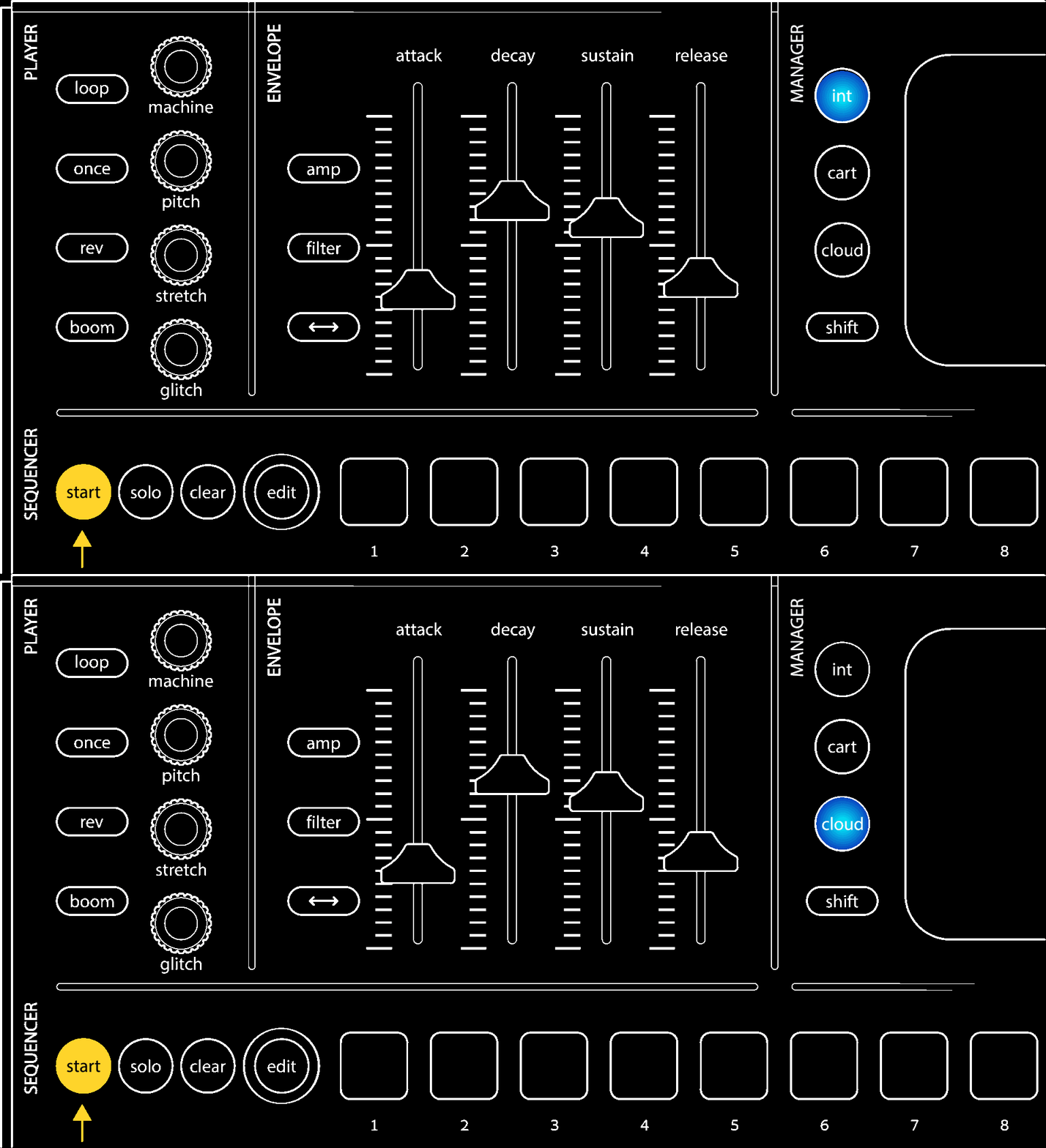
- select cloud button when int and cloud buttons are blinking
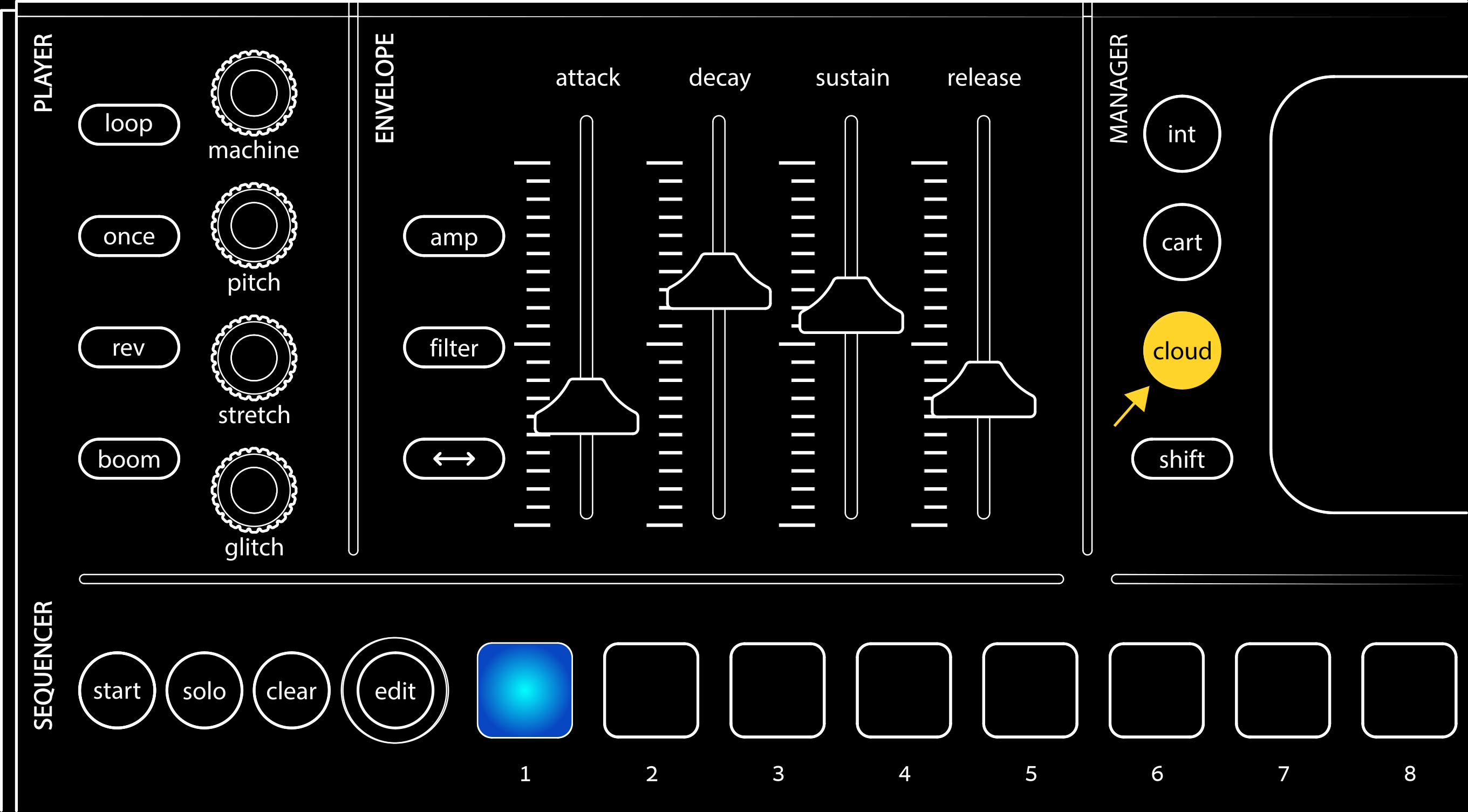
- press the PAD 1 for starting the update
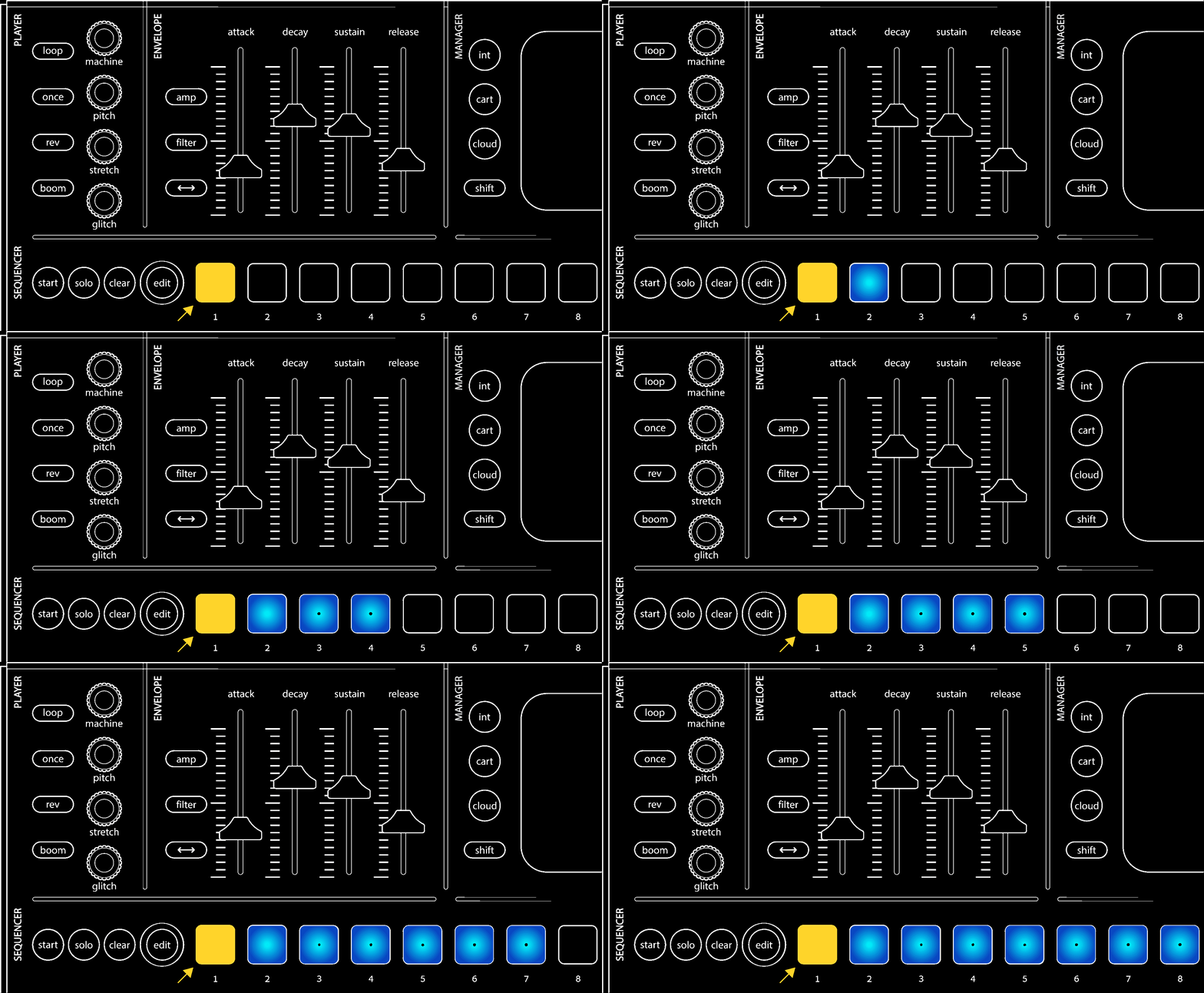
- wait the process to finish